Amazon Prime: Is It For Me?

“10 to 14 days?!? I don’t have 10 to 14 days!!!”

Yes, it’s that time of year again, when an item you buy online with free shipping probably won’t get delivered before Christmas. So do you pay extra for the expedited shipping, or do you hope Uncle Larry is okay with getting his Indianapolis Colts Santa light-up hat a few days after Christmas?

If you do any of your shopping on Amazon (and who doesn’t?), you’ve surely seen the option in the checkout window for “FREE Two-Day Shipping with Amazon Prime.” As you finish your Christmas shopping, it looks very tempting. (And you can actually try it free for 30 days, which might help you get those last gifts delivered on time.)

But Amazon Prime is actually a lot more than just free two-day shipping. What does it include? And most importantly, is it for you?

Pros

Amazon Prime logo
Amazon Prime checkmark logo (Image courtesy of amazon.com)

The first and most well-known benefit to Amazon Prime is free two-day shipping on countless items on the Amazon website. Not every item is eligible, but most are, and they’re clearly indicated with the Prime checkmark icon you can see here. If you’re used to waiting over a week to get a package, you’ll be amazed how quickly your packages from Amazon arrive (and frankly two-day shipping across the country is a logistical marvel).

If you own a Kindle, you’ll also have access to borrow from Amazon’s collection of over 500,000 Kindle ebooks.[1] You can borrow a book per month, with no due date. Once you return it, you can check out another next month. (There are ways to borrow Kindle books and other ebooks through your local library, as well.)

Amazon Prime also gets you access to stream unlimited movies and TV shows through Prime Instant Video. This is similar to Netflix, so there are some well-known titles and plenty of titles you’ve never heard of. Also, there’s some content overlap with Netflix, so be aware of that if you subscribe to Netflix.

In addition to on-demand video, a Prime subscription also gets you access to Prime Music, a service that gives you access to unlimited music without ads. This is very similar to Spotify, although with a much smaller selection of music (for now) and you do get the ability to download music for offline listening.

Need more? How about unlimited cloud storage for all your photos? Prime Photos is yet another service Amazon includes for all Prime members. It allows you to upload unlimited photos to an Amazon cloud storage account. Photos add up to a lot of storage space, especially if you take them with a smartphone. Storing them in the cloud allows you to access them from anywhere you have Internet access.

Cons

These many perks aren’t exactly free: Amazon Prime costs $99 per year (a recent price increase from $79). So as you consider the many benefits mentioned above, weigh them against the up-front cost to decide if Prime is worth purchasing for your family. This works out to $8.25 per month. In comparison, a standard subscription to Netflix costs $8.99 a month.

If you’re a student, you can get some of the great benefits of Amazon Prime free for six months, namely the free two-day shipping and unlimited photo storage. After that (or instead), you can get all the benefits of Amazon Prime for half-price ($49).

Ease of use

Amazon shipping boxes
Amazon shipping boxes (Photo courtesy of amazon.com)

Free two-day shipping is easy to take advantage of with Amazon Prime. Once you’ve signed up for Amazon Prime, just buy stuff like normal and choose free two-day shipping at checkout.

Kindle books, video, music, and photo storage will depend on your familiarity with similar services. Amazon has a very helpful support section of their website, and this can ease your transition as you learn the ropes of downloading ebooks, watching movies, etc.

Is it for me?

Amazon Prime might be great for you, if:

  • You frequently purchase from amazon.com
  • You would often watch movies or TV shows or listen to music through Amazon’s streaming services
  • You take lots of photos, and often run out of storage space
  • You own a Kindle

You should probably stay away from Amazon Prime, if: 

  • You rarely use amazon.com
  • When you shop online, you are fine with free shipping that takes longer than a week
  • You have little interest in Amazon Prime’s non-shipping perks

If you have Amazon Prime, what’s been your experience?

Do you have a topic you’d like to know more about? Let me know below. Thanks!

-Paul

Go back

Your message has been sent

Warning
Warning
Warning
Warning

Warning.

1 – Kindle ebook borrowing only applies if you have a Kindle device. It won’t work with the Kindle app on an iOS or Android device.
Which cloud storage service is best for you?

Note: this is a follow-up to last week’s explanation of cloud storage.

Cloud storage comparison
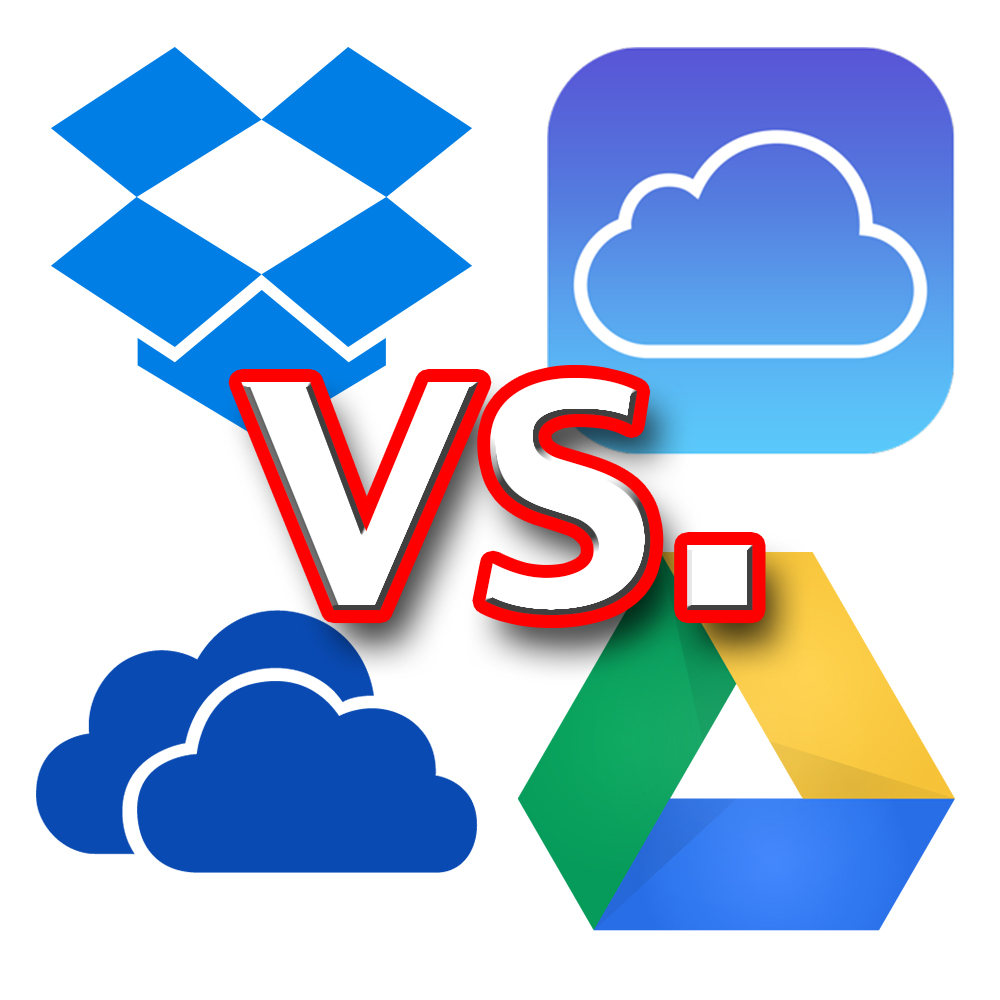
The logos of Dropbox, iCloud, Google Drive, and OneDrive (clockwise from top left)

There are lots of companies that offer cloud storage, and several of them are quite well known. This post is going to focus on the services that I (subjectively) view as the major players, and which service is best for you.

I feel certain that there is no one cloud storage service that is best for everyone. Instead, I think that each has certain advantages depending on how you use it and which devices you use.

As I mentioned last week, I actually do not pay for storage from any of the companies that I will describe below. I use the free storage amount from several different companies: Dropbox, Google Drive, and iCloud from Apple.

This isn’t a very practical long-term solution, because I’ve got many more files on my computer and other devices than can fit in the free storage allotments. And the more providers I sign up for, the harder it gets to keep track of what files I’ve stored on which service.

So I recommend using the free storage space each provider offers as more of a trial run. You get to see how the service works without plunking down your money first. Once you decide which one works best for you, then decide how much storage you need to pay for.

I’ve only recently begun to feel that paying for a cloud storage subscription might be worth the money for my family. By using those three services, I’ve started to get an idea of which one I’d prefer to pay for.

So without further ado, here’s a comparison of the four main cloud storage providers[1].

Dropbox

Dropbox logoDropbox is the platform that really first made cloud storage usable for the ordinary folks like us. It’s also unique on this list because the company was created around this cloud storage service; the others on the list are branches of much larger tech companies.

Pricing: 2GB free…1TB $10/month

Pros: Available on almost any device, simple pricing plan, very customizable

Cons: Smallest amount of free space, not automatically integrated with Google, Apple, or Microsoft

Best for: People who own a mixture of devices, such as an iPhone, Windows PC, and Kindle Fire.

Google Drive

Google DriveFormerly known as Google Docs, Google Drive is available with any Google or Gmail account. Included with Android phones, whose software is made by Google.

Pricing: 15GB free…100GB $2/mo…1TB $10/mo (Free space is shared with Gmail and Google+ storage)

Pros: Most free storage, familiar design to users of Gmail’s website/apps

Cons: Stores and shares files, but not many other features

Best for: Android phone users or people who use Google products heavily

OneDrive (Microsoft)

OneDriveFormerly SkyDrive, Microsoft has revamped their cloud storage service and OneDrive is a big part of their focus with the newer Windows operating systems.

Pricing: 15GB free…100GB $2/mo…200GB $4/mo

Pros: Works extremely well with Microsoft Office, generous free storage

Cons: File sharing not as simple as others

Best for: Microsoft Office users or those with newer Windows computers/tablets

iCloud Drive (Apple)

iCloud DriveFormerly called just iCloud, Apple’s revamped storage service was updated this fall. iCloud Drive is notable for features tied in with Apple devices, such as backing up the entire device and locating the device if you lose it.

Pricing: 5GB free…20GB $1/mo…200GB $4/mo…500GB $10/mo…1TB $20/mo

Pros: Coordinates data and settings between multiple Apple devices, new family sharing helpful for family accounts

Cons: Less free storage, no Android app

Best for: Those with multiple Apple devices

Conclusions

As you can see, pricing is very competitive between the providers. I expect storage allowances to continue to rise in the coming years, making it even more feasible to store almost everything on your computer in the cloud.

To me, the biggest difference among the services is the integration with other software/hardware made by the companies.

Dropbox only does cloud storage, and is a good option for those with a variety of device types. Outside of those rare cases, I think it’s at a disadvantage because it’s not tied in with one of the other major companies.

For those who use Google or Apple products heavily, I think Google Drive or iCloud Drive will work really well. I use Apple products heavily and love the features of iCloud, and I’m sure the same is true for Google/Android fans.

OneDrive (the only one of these I haven’t personally used) seems like a great fit for those who use Microsoft Office often, or have a newer Windows PC or tablet. If you use the newer versions of Windows or Microsoft Office, I’d recommend giving OneDrive a try. It’s not as well known, but I see it as a great option for many people.

——————–

Which of these do you use, and what’s been your experience? Do you have a favorite I haven’t mentioned? Join the conversation below! I’d love to hear from you. 

–Paul

Go back

Your message has been sent

Warning
Warning
Warning
Warning

Warning.

1 – Amazon also has a cloud storage service. Although I haven’t included it in this comparison, if you use Amazon frequently or own their devices (such as Kindles), consider checking out what they offer here.