
Does your checking account run low and leave you wondering “Where did that last paycheck go?” Do you know whether buying that snowblower will leave you with enough money to pay the gas bill next week? If you have trouble with these kinds of questions, there’s a solution: budgeting. In other words, making a plan for where you money goes each month.
If the word “budget” fills you with fear, you’ve come to the right place. I’m not talking spreadsheets and graphing calculators here. I’m talking about a free online service that will help take the stress out of budgeting. It’s called Mint.
 My wife and I have been using Mint for two months now. Here’s why I love using Mint: it makes creating and keeping track of a budget quite easy. The hardest part is actually following our budget. (And by the way: no, I’m not being paid by Mint for this review.)
What is Mint?
Mint is a free online budgeting service run by Intuit, the company that also runs TurboTax and Quicken. It includes a website and companion mobile apps for almost any device.

When you sign up, you give Mint the login information for your accounts and debts. (If that makes you uncomfortable, read on. I’ll address that below.) Mint updates your information for all those accounts every time you log in, and gives you a picture of all your accounts at once. Checking, savings, credit cards, CDs, loans, mortgage, investments…Mint can show you all of them on one screen.
I used to try to log into the individual websites of all our accounts regularly to keep track of balances and make sure there was no unusual activity. I’m a numbers-y kind of guy, so even though it was a hassle I was okay with it. Mint saves me a lot of time and helps my wife stay up-to-date with the broader picture of our finances.
In addition to account overviews, Mint also allows you to track transactions for your accounts (did that check get deposited?), set up a budget (more on that shortly), and even set and track goals (paying off the mortgage, vacation, etc.).
Setting up a budget
It’s great to know where your money is, but it’s also important to know where you want it to go. That’s where the budget comes in.
I recommend setting up your budget on Mint’s website rather than the mobile app. The app is better for keeping track of your budgets, but I felt the website gave us much more control over the categories we were creating.
Under the Budgets tab of mint.com, the first thing to do is enter your monthly income. If your income varies from month to month, I’d try to put in the amount from an average month.

Some categories are very inflexible, such as mortgage or rent. I’d enter those first, then move on to other categories that will vary month to month.
One of the great little features Mint includes is rollover. For example, I can budget $40 for clothes shopping and check the box for rollover. If I only spend $30 this month on clothes, next month’s budget will start at $50. If I spend $45 this month, next month’s budget will start at $35. This really helpful in many categories.
You’ll also have some categories with large, irregular payments, such as auto insurance. If I expect my auto insurance payment to be $300 every 6 months, Mint takes that information and automatically sets aside $50 for auto insurance out of every month’s budget.
Also, if you don’t see a category that fits what you need, feel free to create your own. You can make your budget categories as broad or as specific as you’d like.
Keeping track of your budget
Once you’ve created your budget categories, you’re off to a great start! As you spend money, Mint will do it’s best to guess what category each transaction should be in. Sometimes it’s right, but often it’s not. To make your budget work, it’s important to periodically check back through your transactions to make sure they’re being categorized the way you want. If they’re not, just click on it and change the category.
 The mobile app is great for this. If you’ve a couple minutes to spare, you can quickly swipe through the list of recent transactions and re-categorize any of them.
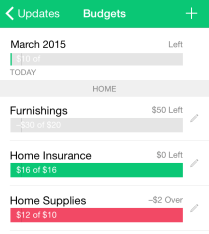
In addition, the mobile app also lets you easily see where you stand in all your budget categories, plus it shows you which categories you need to cut back on to meet your goal for the month. If you’re at the store, you can glance through and see if you’ve got enough left in your entertainment budget for that movie.

Another feature I love about Mint is the ability to split transactions into multiple categories. If you shop for groceries at a supermarket like I do, there’s a good chance you’ll buy something besides groceries while you’re there. Mint allows me to buy dog food in the same transaction with my groceries. Later, I can split that transaction into $45 in the dog supplies category and $70 in the groceries category.[1]
Throughout the first month or two you’ll quickly get an idea of which categories you over- or under-estimated. You can always go back to mint.com and tweak them, making sure that if you add to one category you take the same amount out of another.
Security
Even with all these useful features, you might be unable to get past the idea of giving Mint access to all your account information. How do you know they won’t get hacked or get bought out by a company that wants to sell your information? Although there’s no way to eliminate risk altogether, there are a few things that make me feel safe trusting Mint with my information.
One thing I take some comfort in is the fact that mint.com and the Mint app give me read-only access to my accounts. I (or someone who’s borrowing my phone) can’t withdraw money though it. If someone were to log into my Mint account, they could see how much money I have in my accounts, but they wouldn’t be able to see my account numbers or my login information.
Mint is owned by Intuit, who makes software including Turbotax and Quicken. It’s a large company and handles financial data on a regular basis. According to Mint’s website, Intuit uses the same security encryption for mint.com as banks typically use. I’d say if you’re comfortable doing your tax returns or your banking online, you shouldn’t feel any different about Mint.
In addition, the mobile app has an extra layer of protection. You can create a 4-digit PIN within the app. Every time you open the app on your phone, you must type in your PIN to use the Mint app, even if your phone is already unlocked.
Drawbacks
If you don’t feel comfortable giving your account information to Mint, there are other good budgeting options out there. You Need A Budget is a program I haven’t tried but have heard great things about. It’s available for $60. You’ll have to enter transactions manually though, since it doesn’t have access to your accounts. $60 may seem like a lot, but setting up and following a budget will save you a LOT more than $60.
Speaking of price, how can Mint be a free service? The website and the app actually show you advertisements (or “advice”) for financial services Mint thinks you might be interested in. This can range from a bank savings account to a credit card to a mortgage lender. These pop up every now and then, and you can dismiss them, but it’s still annoying to me because I don’t plan to use them.
One last quibble I have with mint.com is that there are still some financial institutions it can’t connect with. For example, U.S. Treasury Bonds can’t be saved with Mint. The vast majority of American and Canadian banks and card services are compatible, but if you’re not in North America, you may run into trouble syncing your accounts.
Conclusion
Really, these are all minor issues compared to the benefits my wife and I have seen over just two short months using Mint. Our budget categories feel realistic, flexible, and understandable. It took less than a half-hour to input my account information, and then only another hour or so with my wife to set up our budget. I love using the app on my phone for keeping track of things, and when we make changes to our budget the website is easy to use, too. Overall we’ve been very impressed with Mint.
Do you use software or an online service for budgeting? I’d love to hear about it below!
-Paul


1 – You can categorize a transaction before it officially posts to your account. However, for some reason, you can’t split a transaction until it officially posts. That’s annoying to me, and I can’t see a reason for it.
 Microsoft last month announced the upcoming release of their newest operating system, Windows 10. (Yes, their previous OS was Windows 8. They skipped Windows 9 apparently.)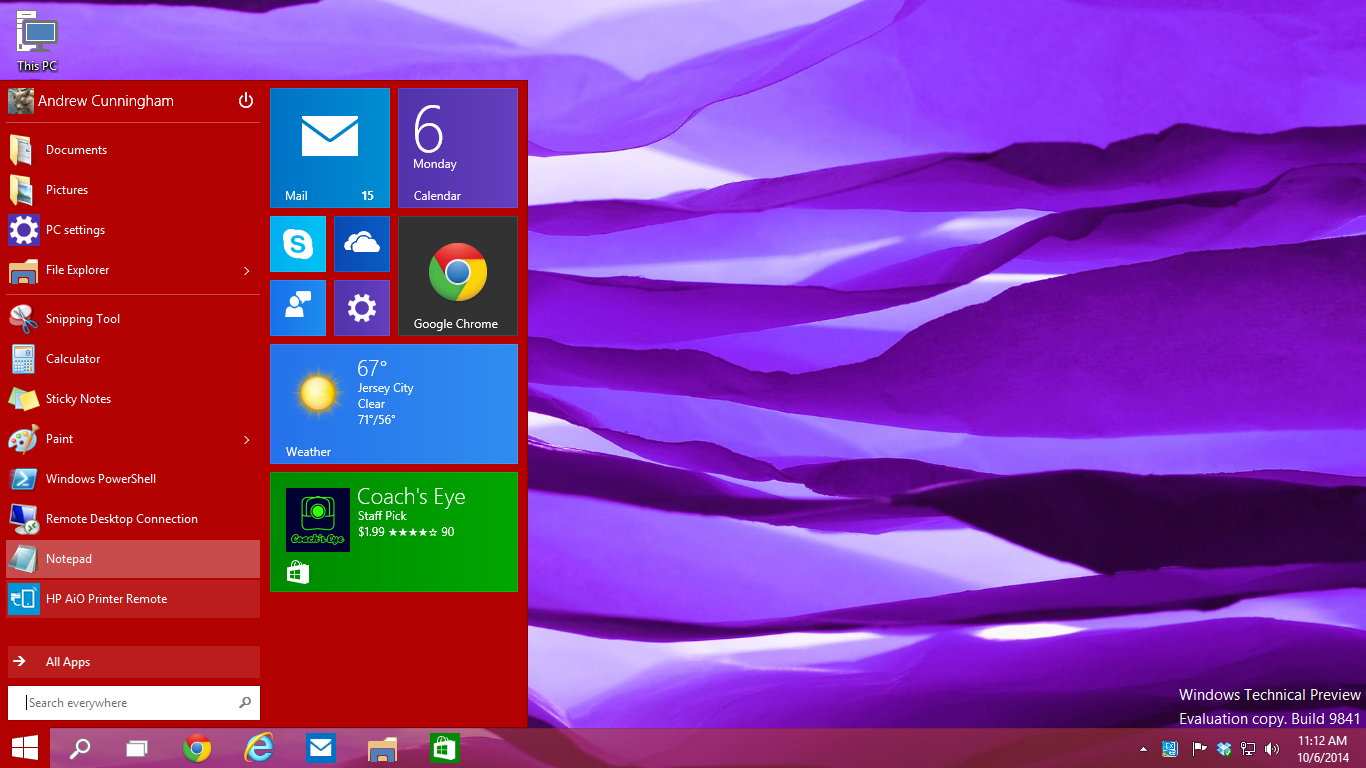





 Paul B. Brown | Video Producer